Apple Warns iPhone Users: Never Put Your Phone Number on the Lock Screen if Your iPhone Is Lost
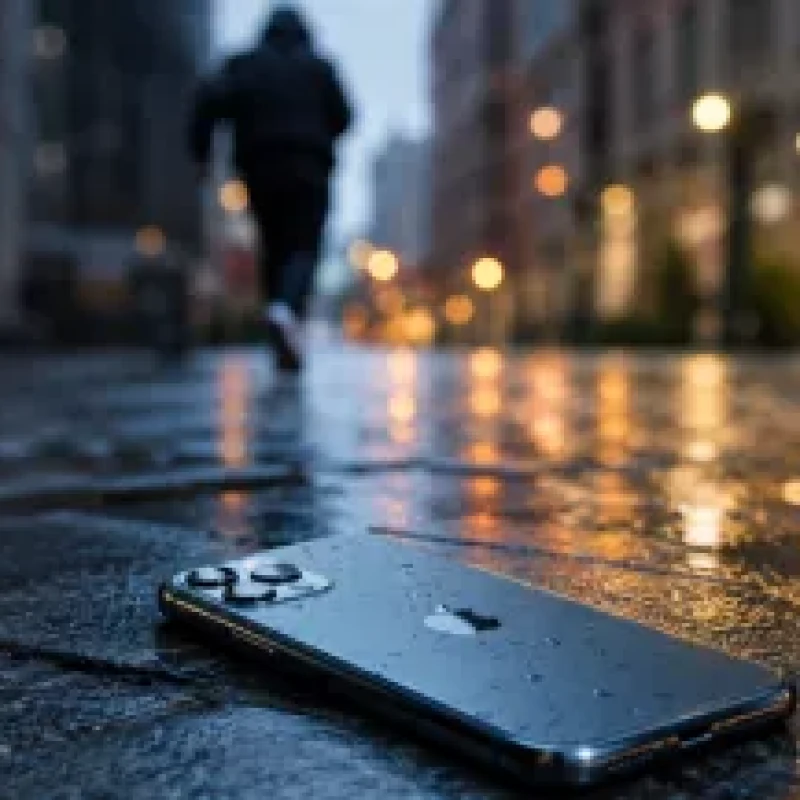
Apple has updated its official guidance for users who lose their iPhone or become victims of theft, adding an important warning that many people may find surprising. The company advises users not to display their phone number or any personal contact information on the Lock Screen when activating Lost Mode.
Although many users believe that sharing a contact number increases the chances of recovering a lost device, Apple says this information can be exploited by scammers to launch sophisticated phishing and social engineering attacks aimed at stealing personal data and account credentials.
Activate Lost Mode Immediately
If your iPhone is lost or stolen, Apple recommends opening the Find My app or visiting iCloud.com/find as soon as possible.
From there, select the missing device and activate Lost Mode. This feature remotely locks the iPhone, prevents unauthorized access, and helps track its location whenever it is connected to the internet.
The faster Lost Mode is enabled, the better the chances of protecting sensitive data stored on the device.
Why You Shouldn't Display Your Phone Number
Many users assume that leaving a phone number on the Lock Screen will help an honest person return the device.
However, Apple warns that criminals may use this information to contact the owner while pretending to be Apple Support, a mobile carrier, or even a bank representative.
The attacker may then ask for verification codes, Apple ID credentials, or other sensitive information under the guise of helping recover the device.
These tactics are known as social engineering and remain one of the most effective methods cybercriminals use to steal accounts and financial information.
Enable Stolen Device Protection
Apple also recommends enabling Stolen Device Protection before any incident occurs.
This security feature adds an extra layer of protection by requiring Face ID or Touch ID for critical actions, even if someone already knows the device passcode.
It prevents thieves from making important security changes, such as disabling Lost Mode or modifying Apple ID settings, making it significantly harder to take control of the device.
Never Remove the Device from Find My
One of the biggest mistakes users can make is removing a lost iPhone from the Find My service.
Doing so disables Activation Lock, Apple's security feature that keeps the device permanently linked to the owner's Apple ID.
Even after a factory reset, Activation Lock prevents anyone from activating or using the iPhone without the original owner's credentials.
Keeping Activation Lock enabled makes a stolen iPhone nearly worthless on the black market.
What to Do If You See Your iPhone's Location
If Find My displays the location of your missing iPhone, Apple strongly advises against trying to recover it yourself.
Instead, contact local law enforcement and provide them with the device's location.
Attempting to confront a thief can put your personal safety at risk, making professional assistance the safest option.
When Should You Erase Your iPhone?
If you believe your iPhone cannot be recovered or it contains highly sensitive information, Apple allows you to remotely erase all data using the Erase iPhone feature.
Even after the device is wiped, Activation Lock remains active, preventing anyone else from setting up or using the phone without your Apple ID.
Apple recommends using this option only when recovery is unlikely.
Report the Theft
Apple advises users to report stolen devices to the police immediately and provide the device's serial number or IMEI if available.
Users should also contact their mobile carrier to suspend the SIM card and prevent unauthorized calls, messages, or verification codes from being received.
If the iPhone is covered by theft or loss insurance, the insurance provider should also be notified as soon as possible.
Additional Security Tips
Apple recommends enabling Two-Factor Authentication (2FA) for your Apple ID, using a strong passcode, and keeping regular backups through iCloud or a computer.
Users should also review the devices connected to their Apple account and never share verification codes with anyone claiming to represent Apple, a bank, or a mobile carrier.
Cybersecurity experts note that most successful account compromises begin with social engineering rather than technical hacking.
Acting Quickly Makes All the Difference
Apple emphasizes that the first few minutes after an iPhone is lost or stolen are critical.
Activating security features immediately can prevent unauthorized access, protect personal information, and significantly reduce the risk of financial fraud.
Preparing in advance by enabling Apple's security features is one of the most effective ways to safeguard both your device and your digital identity.
In an increasingly digital ecosystem — stretching from Arabic websites and specialized blogs, alongside insights drawn from Egypt-based online stores, Kuwait stores, and vitamin e-commerce platforms. personal account security is no longer optional.
Other Topics You May Also Be Interested In
ChatGPT Scam Alert: Fake Shopping Websites Found in AI Search ResultsMajor Gmail Bug Hits Android Users
Microsoft Reduces Copilot Presence in Windows 11
Google Launches New Offline Voice Dictation App for iPhone
Kaspersky Leads Cybersecurity Tests in 2025
Best Free Grok Alternatives for Creating Short Videos in 2026
ChatGPT Enters the App War